
Disclosure: Content linked in this article may be affiliate links. All that means is that I may earn a few pennies if you use the link and make a purchase – it helps me keep this site up 🙂 This post is not sponsored directly by these companies and only contains products that we genuinely love and recommend for any keyboard enthusiast. So thanks in advance if you choose to click!
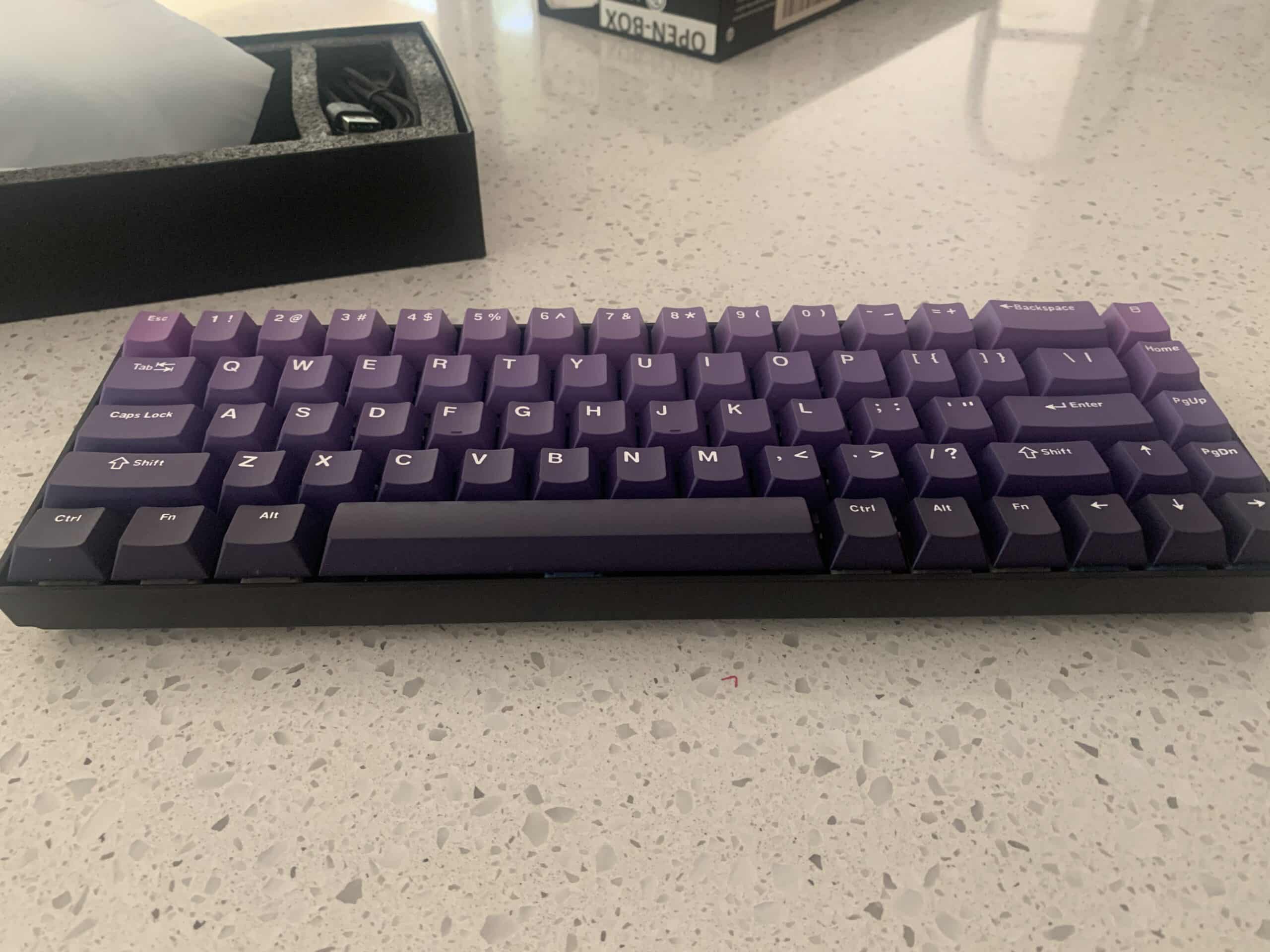
After highly rating both the Keychron K2 (Aluminium Bezel version) and the Marshmallow keycaps, I decided to test a budget pack of the mysterious yet popular XVX profile keycaps, paired up with a similarly budgeted Keychron K6 65% board (Hot Swappable, Plastic Bezel version).
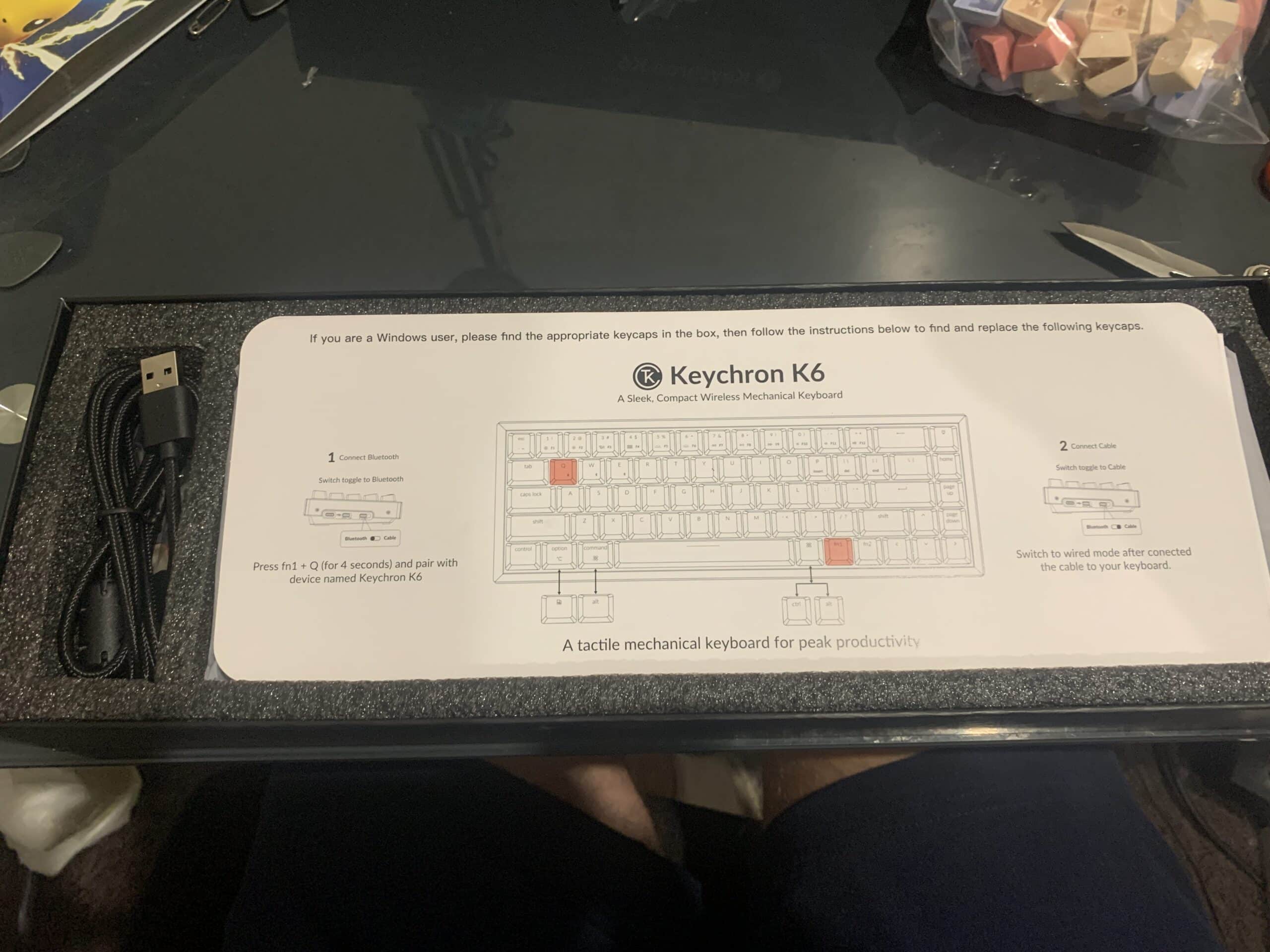
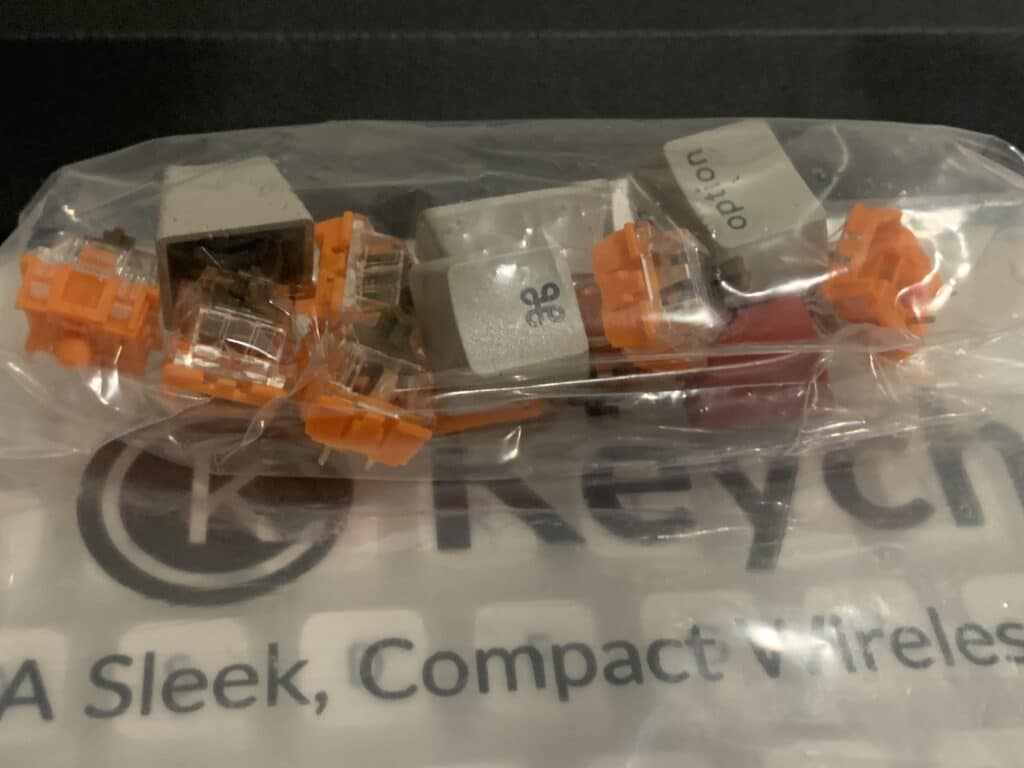
The Keychron K6’s stock keycaps did not look as stylish as in the photos, and sadly the keycaps were very thin, lacked weight and generally looked quite cheap and tacky.
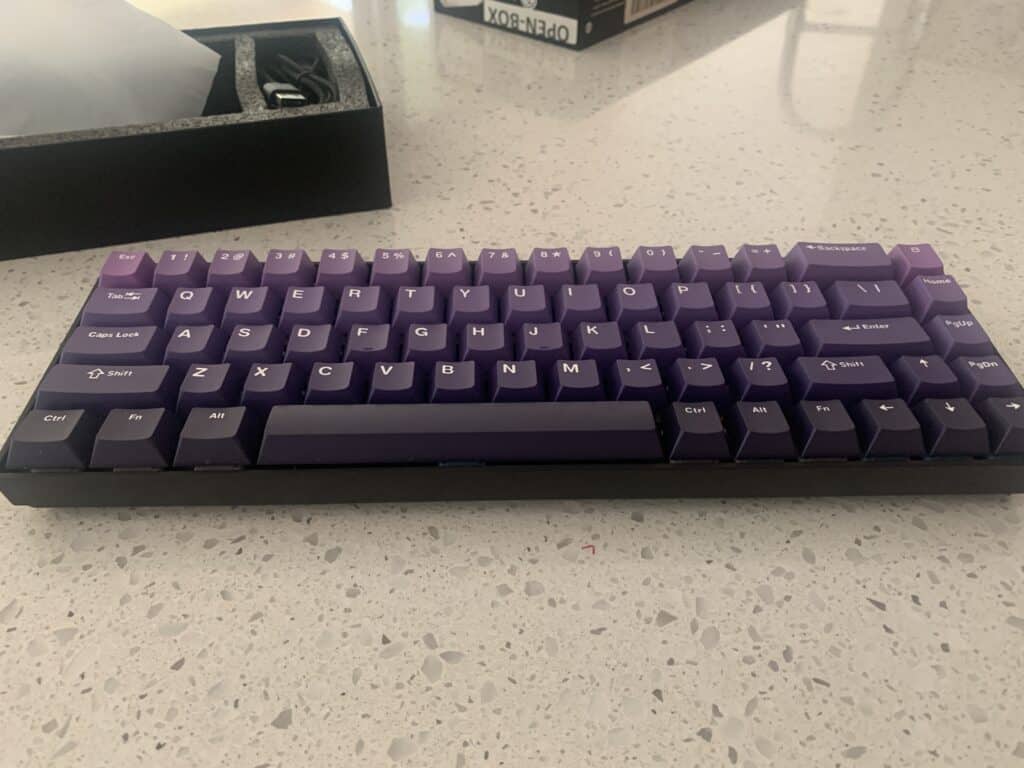
But luckily I had the Purple gradient XVX profile keycaps from Amazon to test out to see if a better (albeit also budget) set of keycaps could redeem this board.
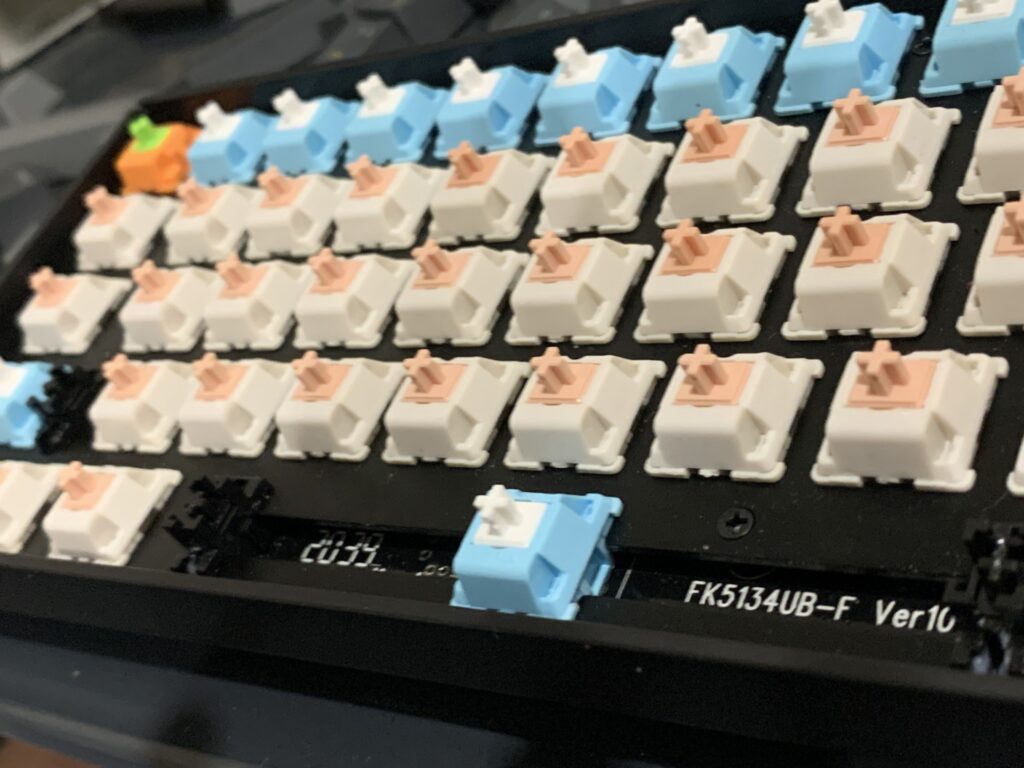
I also ripped out all of the Keychron Blue switches from the K6 as I personally do not like blue switches. I fitted them with a variety of switches- mainly tactile panda switches- I got sent from Royal Flush gaming instead.
So how’d the XVX Profile stack up?
I think the XVX keycaps are pretty nice considering they are a budget set with a difficult to pull off gradient fill. They present nicely enough and I didn’t mind the XVX profile at all- it has some feel to it without being too crazy and larger spacings for people who prefer their keycaps a little more separated. I’d probably give them a 3.5-4/5 for looks, a 3/5 for feel and quality (in terms of the plastic of this set), and a thumbs up to the XVX profile in general.
XVX Profile and Cherry Profile are fairly similar- this seller has listed this set as cherry.
The Keychron K6 Board Review
Because the Keychron k6 is case mounted in essentially just thin plastic, it does have quite a hollow feeling to it. Adding tactile switches and somewhat weightier XVX keycaps did help though and I thought the overall sound wasn’t that bad. Without these upgrades, the board was probably not for me. The Aluminum frame I imagine would add some weight to it so I’d have to recommend going for that one.
The Board itself is a pretty cute, compact lightweight desk companion and even though I’d rate the K2 much higher for a marginally higher price point, it’d be a fine starter board if you just wanted to fool around with some cool looking keycaps and fiddle with some switches. It does have 2 mode connectivity, boasting both wireless and wired connection which is always handy.
Keychron K6 Verdict
| Rating/Description | Stock | Modded | |
| Looks | The stock keycaps are just too cheap and nasty to be aesthetic or add any visual value | 2/5 | 4/5 |
| Feel | The board is quite lightweight so it has a very light feel to it- kind of suits blue switches but personally for me defeats the purpose of a mechanical keyboard | 2/5 | 2.5/5-3/5 |
| Value | It’s one of Keychron’s cheapest boards but it’s not significantly better than generic ones from amazon/aliexpress- with the wireless considered there is some OK value for money. By all means go for the Aluminium frame version (I Tested the plastic version and found it to be lacking). The keycaps will need replacement. | 3/5 |
If you still want to give the Keychron K6 a go, here it is! I daresay the Aluminum one would have much better feel.
Last update on 2026-07-07 / Affiliate links / Images from Amazon Product Advertising API
Discover more from The Keeblog
Subscribe to get the latest posts sent to your email.